

Accessing the API
To use the WavMaker API, you’ll need to generate an API key in the account dashboard.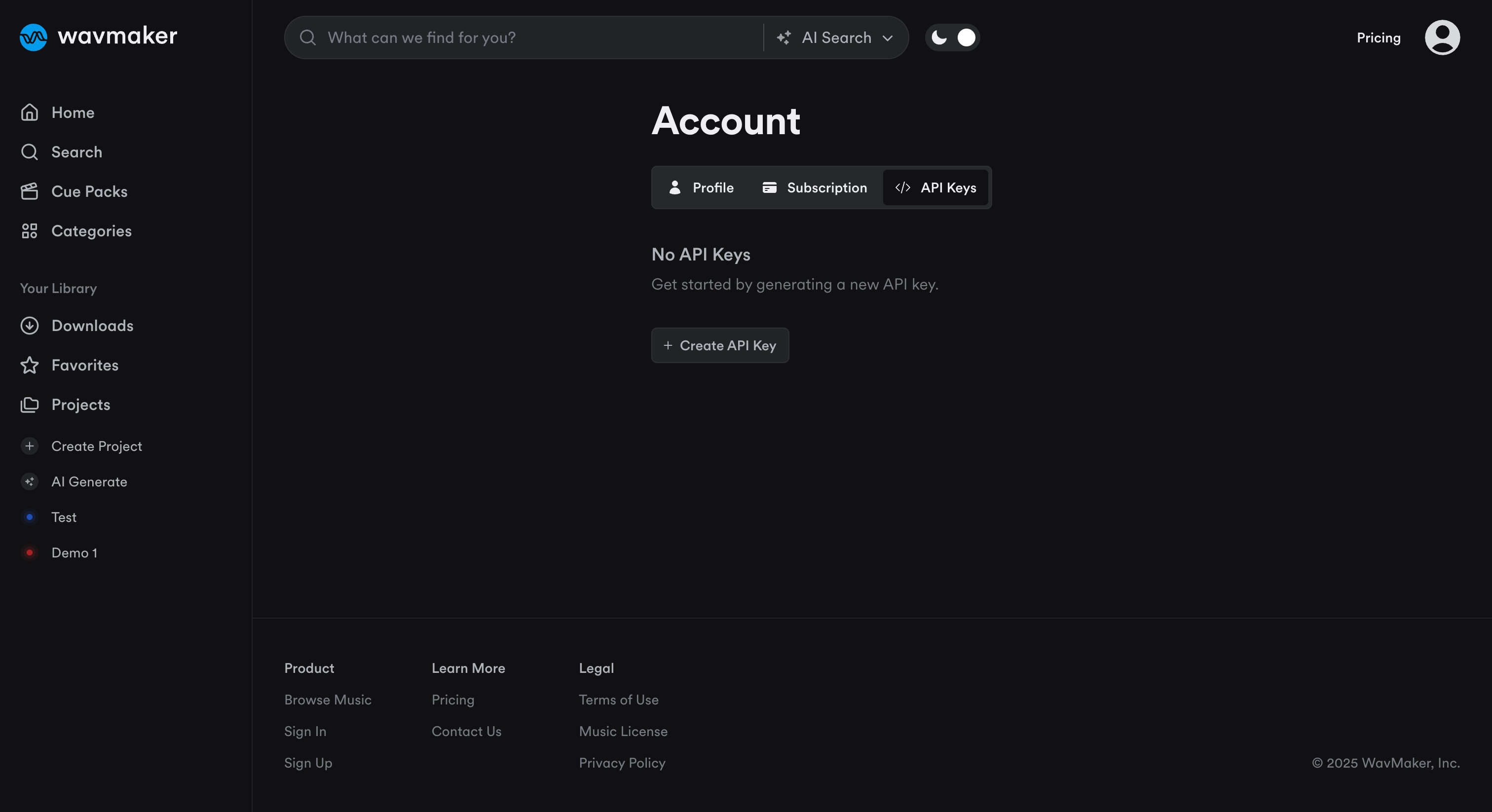
Authentication
All API requests must be authenticated using a Bearer token. Include your API token in the Authorization header of every request:Rate Limit
The WavMaker API has a rate limit of 25 requests per second. If you exceed the rate limit, you will receive a 429 error.Pagination
For all endpoints that return a list of results, pagination is supported. Query Parameters:- page (integer): Which page of results to return (default: 1)
- limit (integer): Number of results per page (default: 20, max: 100)
Making Your First API Request
- Choose the API endpoint you want to use
- Generate your API Key in the dashboard
- Use your favorite HTTP client to make a request. Example: