> ## Documentation Index
> Fetch the complete documentation index at: https://docs.wavmaker.com/llms.txt
> Use this file to discover all available pages before exploring further.
# Introduction
> Welcome to the WavMaker API, your gateway to a high-quality catalog of
royalty-free music. This API allows you to search, filter, and retrieve music assets using either traditional filters or AI-powered search.
## Accessing the API
To use the WavMaker API, you'll need to generate an API key in the account dashboard.
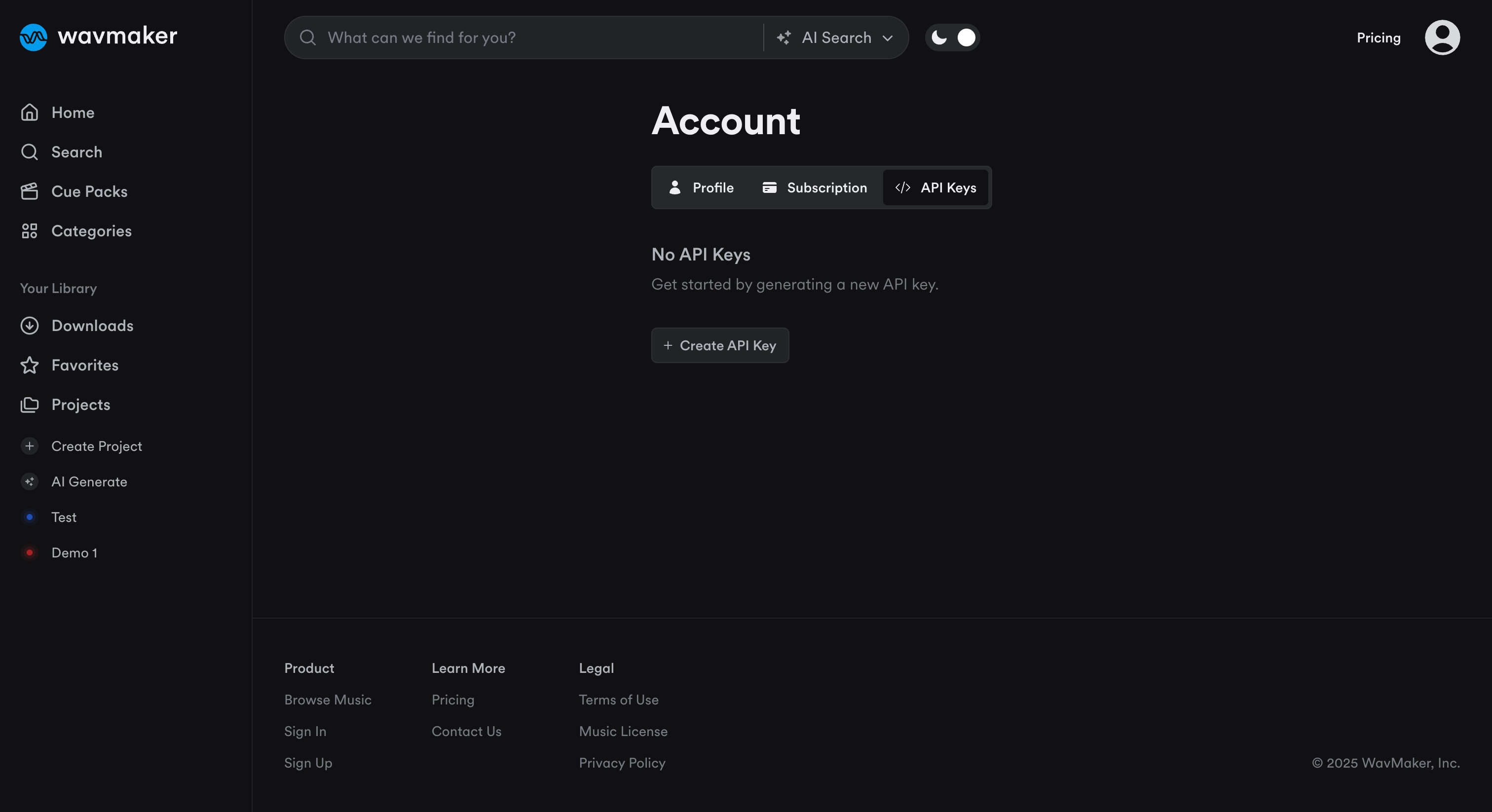 If you don't see the API Keys tab on your account dashboard, it may be because you're account has not yet been approved for API access. Please contact [support@wavmaker.com](mailto:support@wavmaker.com) to get your account approved.
***
## Authentication
All API requests must be authenticated using a Bearer token.
Include your API token in the Authorization header of every request:
```bash theme={null}
curl -H "Authorization: Bearer YOUR_API_TOKEN" https://api.wavmaker.com/songs
```
If your token is missing or invalid, you'll receive a 401 Unauthorized error.
***
## Rate Limit
The WavMaker API has a rate limit of 25 requests per second. If you exceed the rate limit, you will receive a 429 error.
***
## Pagination
For all endpoints that return a list of results, pagination is supported.
Query Parameters:
* page (integer): Which page of results to return (default: 1)
* limit (integer): Number of results per page (default: 20, max: 100)
Response Fields:
```json theme={null}
{
"page": 1,
"pages": 5,
"page_size": 20,
"total": 100,
"hits": [ ... ]
}
```
***
## Making Your First API Request
1. Choose the API endpoint you want to use
2. Generate your API Key in the dashboard
3. Use your favorite HTTP client to make a request. Example:
```bash theme={null}
curl -X GET "https://wavmaker.com/api/v1/songs" \
-H "Authorization: Bearer YOUR_API_KEY" \
-H "Content-Type: application/json"
```
***
If you don't see the API Keys tab on your account dashboard, it may be because you're account has not yet been approved for API access. Please contact [support@wavmaker.com](mailto:support@wavmaker.com) to get your account approved.
***
## Authentication
All API requests must be authenticated using a Bearer token.
Include your API token in the Authorization header of every request:
```bash theme={null}
curl -H "Authorization: Bearer YOUR_API_TOKEN" https://api.wavmaker.com/songs
```
If your token is missing or invalid, you'll receive a 401 Unauthorized error.
***
## Rate Limit
The WavMaker API has a rate limit of 25 requests per second. If you exceed the rate limit, you will receive a 429 error.
***
## Pagination
For all endpoints that return a list of results, pagination is supported.
Query Parameters:
* page (integer): Which page of results to return (default: 1)
* limit (integer): Number of results per page (default: 20, max: 100)
Response Fields:
```json theme={null}
{
"page": 1,
"pages": 5,
"page_size": 20,
"total": 100,
"hits": [ ... ]
}
```
***
## Making Your First API Request
1. Choose the API endpoint you want to use
2. Generate your API Key in the dashboard
3. Use your favorite HTTP client to make a request. Example:
```bash theme={null}
curl -X GET "https://wavmaker.com/api/v1/songs" \
-H "Authorization: Bearer YOUR_API_KEY" \
-H "Content-Type: application/json"
```
***